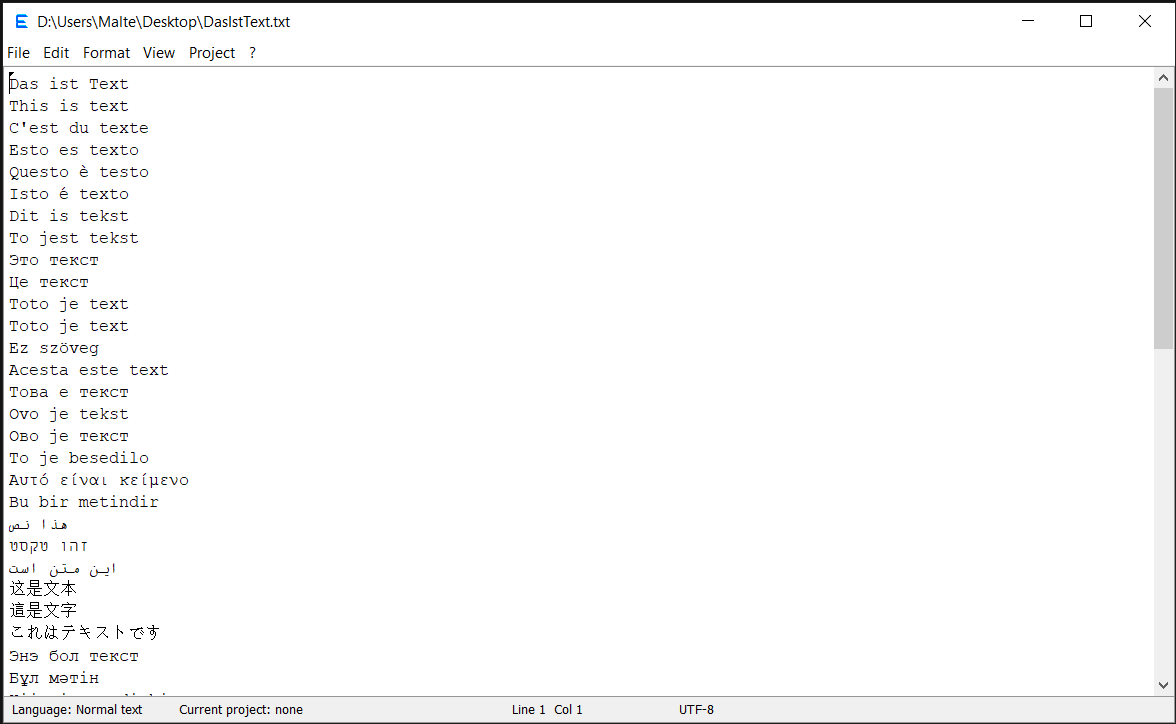
This site summarizes the updated features of the editor and displays the images from the repository's docs folder.
If you give the editor a try, I would be grateful for comments via the GitHub Issues page. I think, the editor is best suited for personal use when a full IDE is not required. The goal is to provide an easy setup to try out your own code, while maintaining enough flexibility to use it for real coding projects.
Features for editing text are ...
- Find/replace (where also "replace all" is undoable/redoable)
- Clearing end-of-line (trailing) white spaces in a whole dicument or current line.
- Choosing between spaces and tabs for indentation (without replacement of the indentation in the whole file).
- Auto-indentation which distinguishes "curly-bracket-indentation".
- Block-wise increase or decrease of the indentation.
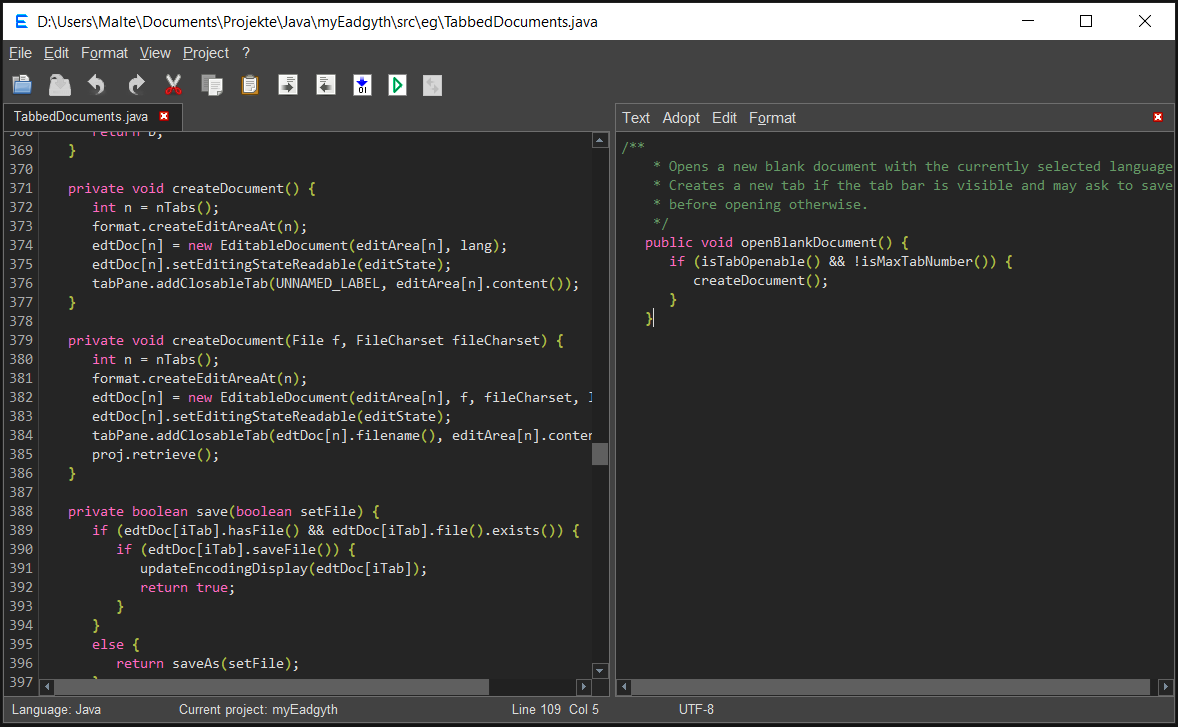
- A dockable 'notes' editor next to the main editor with shortcuts to exchange text.
- A basic syntax highlighting (for Java, C#, Python, R, HTML, XML, CSS, JavaScript, PHP).
Features for running source code are ...
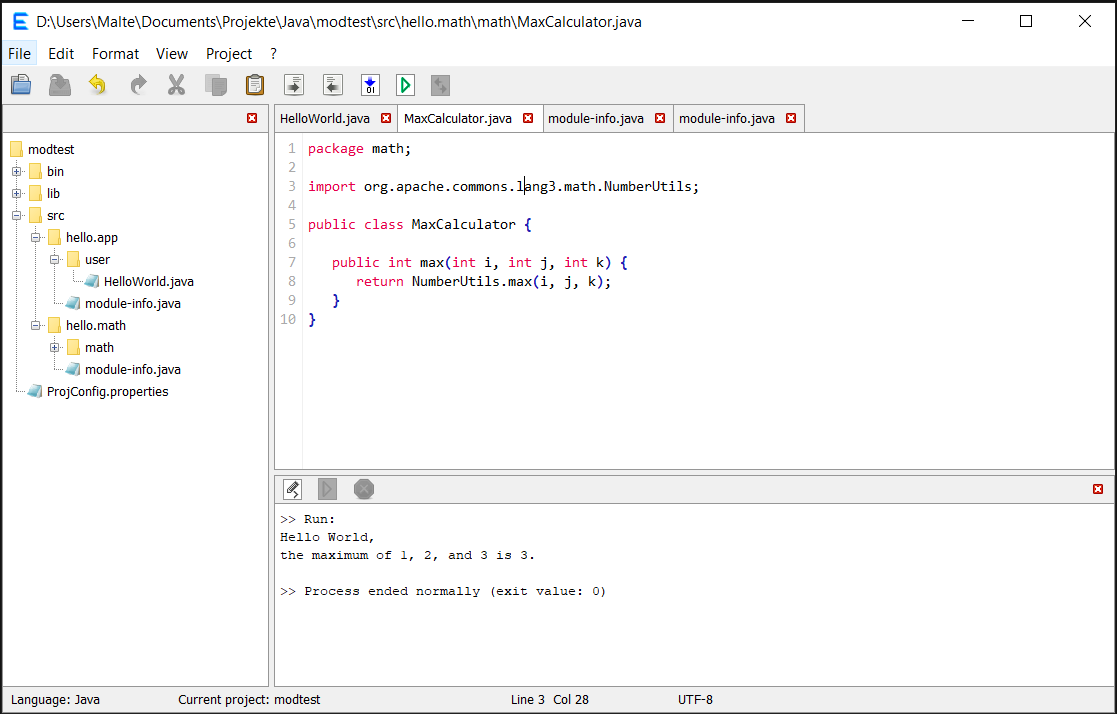
- Compile and run Java code that may be organized in packages and create an executable jar file. Includes support for using external libraries. A Java program may also be run on the module path and be compiled in multi-module mode provided module name and module directory name match. Creating a modular JAR is yet not supported, though.
- Run a Java prgram in source-file mode.
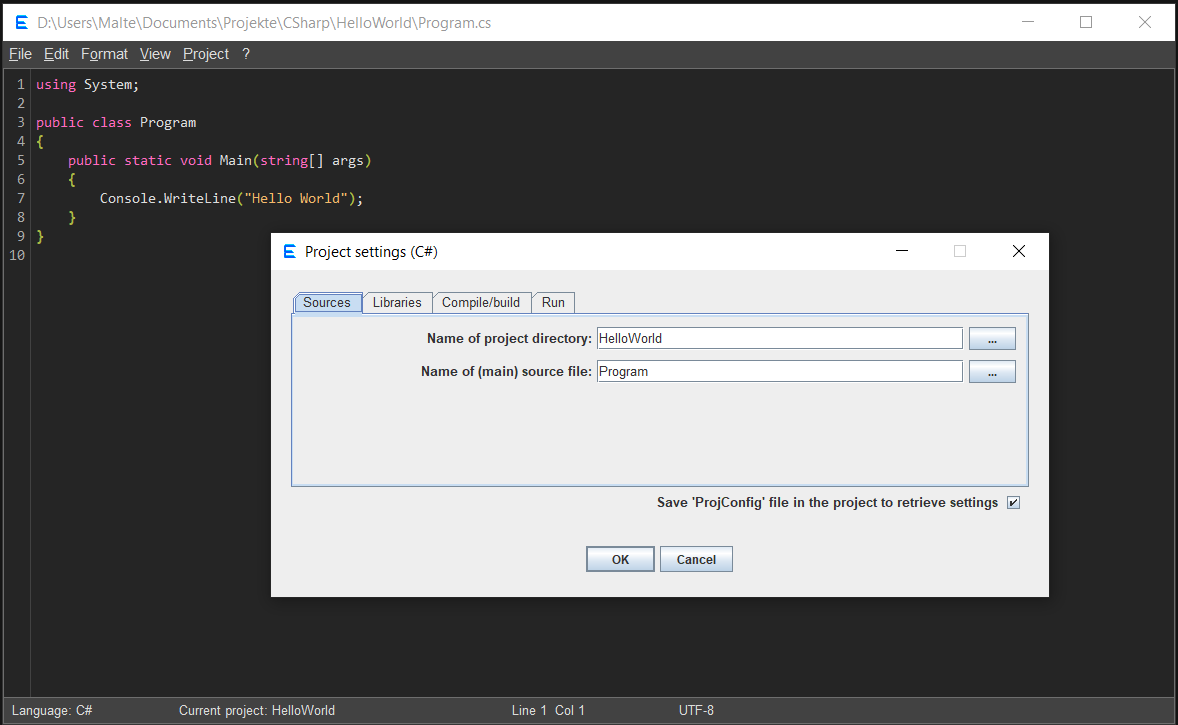
- Compile and run C# code. The internal commands use .NET SDK (as of vs. 1.2.1.).
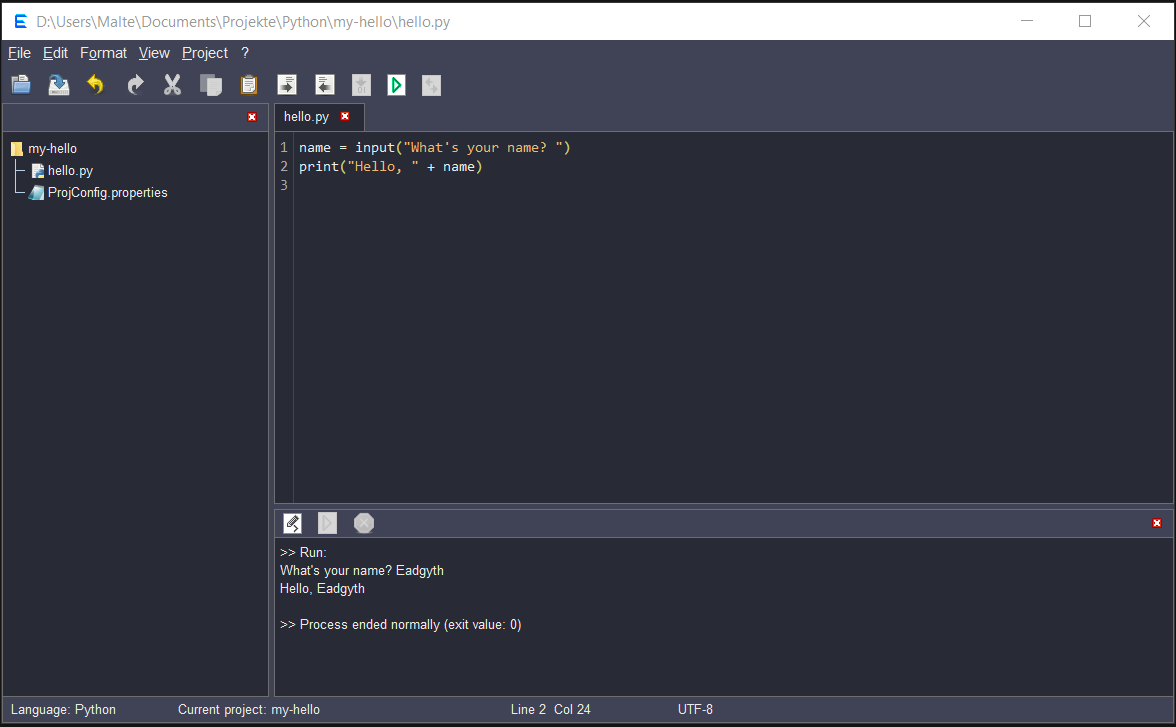
- Run scripts in Python or R.
- Specify additional options or arguments for the built-in commands.
- Run own commands in a project categorie "Custom Commands".
- View HTML code in the default browser.
- A console for showing output/error during running (or compiling) a program and entering input in interactive command-line programs.
- Set up several projects which can be switched between and retrieve project settings after newly starting the editor.